

Modest Maps Example
Overview
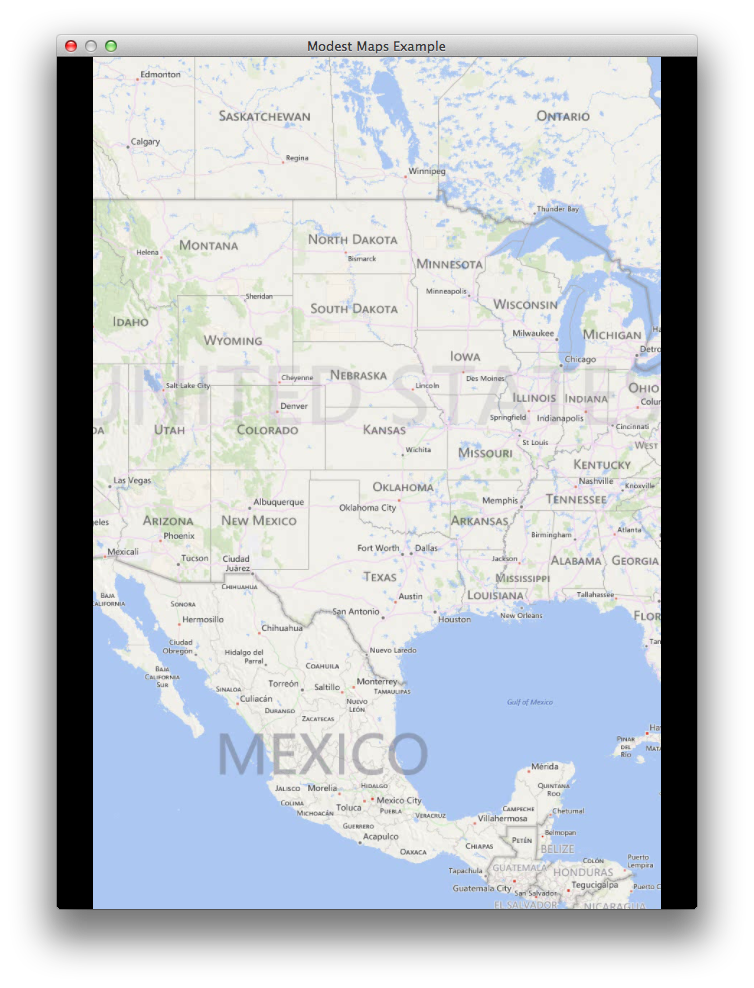
Simple app that shows off the Loom integration of Modest Maps. It allows you to pan the map with the mouse [Left Click + Move], zoom with the mouse [double click or scroll wheel], zoom in [- KEY] and out [= KEY] with the keyboard, place Pin Markers [click and hold], remove Pin Markers [double click an existing one], and cycle between the 3 supported map providers (Microsoft, Open Street, and Blue Marble) [ [ and ] KEYS ].
Try It
Use the following Loom CLI commands to run this example:
loom new MyModestMapsExample --example ModestMapsExample
cd MyModestMapsExample
loom run
Screenshot
Code
@insert_source