

AdMob Example
Overview
AdmobExample Example showcases AdMob integration with banner and interstitial ads.
Try It
Use the following Loom CLI commands to run this example:
loom new MyAdMobExample --example AdMobExample
cd MyAdMobExample
loom run
Screenshots
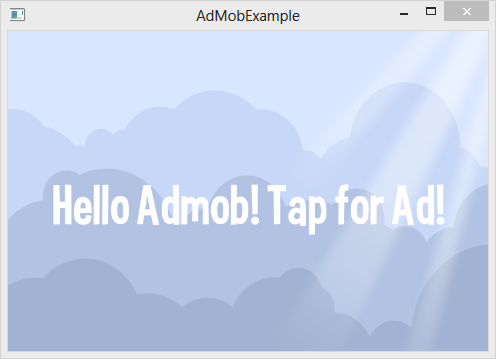
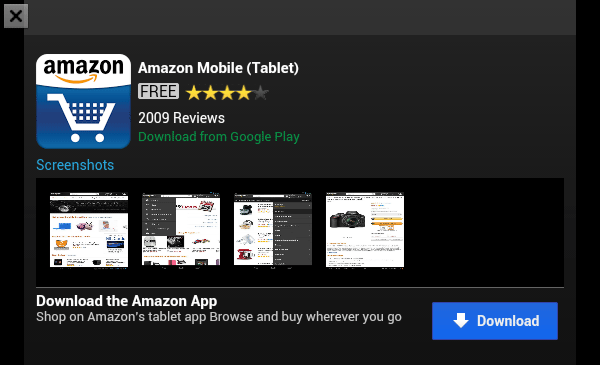
Code
src/AdMobExample.ls
package
{

    import loom.Application;

    import loom2d.display.StageScaleMode;
    import loom2d.display.Image;
    import loom2d.textures.Texture;
    import loom2d.math.Point;
    import loom2d.ui.SimpleLabel;

    import loom2d.events.Touch;
    import loom2d.events.TouchEvent;
    import loom2d.events.TouchPhase;


    import loom.admob.BannerAd;
    import loom.admob.InterstitialAd;

    /**
     *  Example Showcasing AdMob integration with banner and interstitial ads
     */
    public class AdMobExample extends Application
    {
        override public function run():void
        {
            // Comment out this line to turn off automatic scaling.
            stage.scaleMode = StageScaleMode.LETTERBOX;

            var bg = new Image(Texture.fromAsset("assets/bg.png"));
            bg.width = stage.stageWidth;
            bg.height = stage.stageHeight;
            stage.addChild(bg);

            var label = new SimpleLabel("assets/Curse-hd.fnt", 400, 400);
            label.text = "Hello Admob! Tap for Ad!";
            label.x = stage.stageWidth/2 - label.size.x/2;
            label.y = stage.stageHeight/2 - label.size.y/2;
            stage.addChild(label);

            var banner1 = new BannerAd("a15149eca129bce");
            banner1.show();
            banner1.y = 0;

            var banner2 = new BannerAd("a15149eca129bce");
            banner2.show();

            // we want the banner to be at the bottom of the screen
            // regardless of stage scaling so use the native height
            banner2.y = stage.nativeStageHeight - banner2.height;

            stage.addEventListener( TouchEvent.TOUCH, function(e:TouchEvent) {

                // bail on any began touches in the mix
                var touch = e.getTouch(stage, TouchPhase.BEGAN);

                if (!touch)
                    return;

                var ad = new InterstitialAd("a15149eca129bce");

                ad.onAdReceived += function() {
                    ad.show();
                };

                ad.onAdError += function(s:String) {
                    Console.print("Error!: ", s);
                };

            } );
        }
    }
}